Fast intake software for phone repair shops
Create cleaner repair tickets at drop-off, keep technicians in sync, and move from intake to pickup without rebuilding the job later.
No credit card required · Desktop and mobile · Free during beta
Want the full breakdown? Read the guide to phone repair shop software.
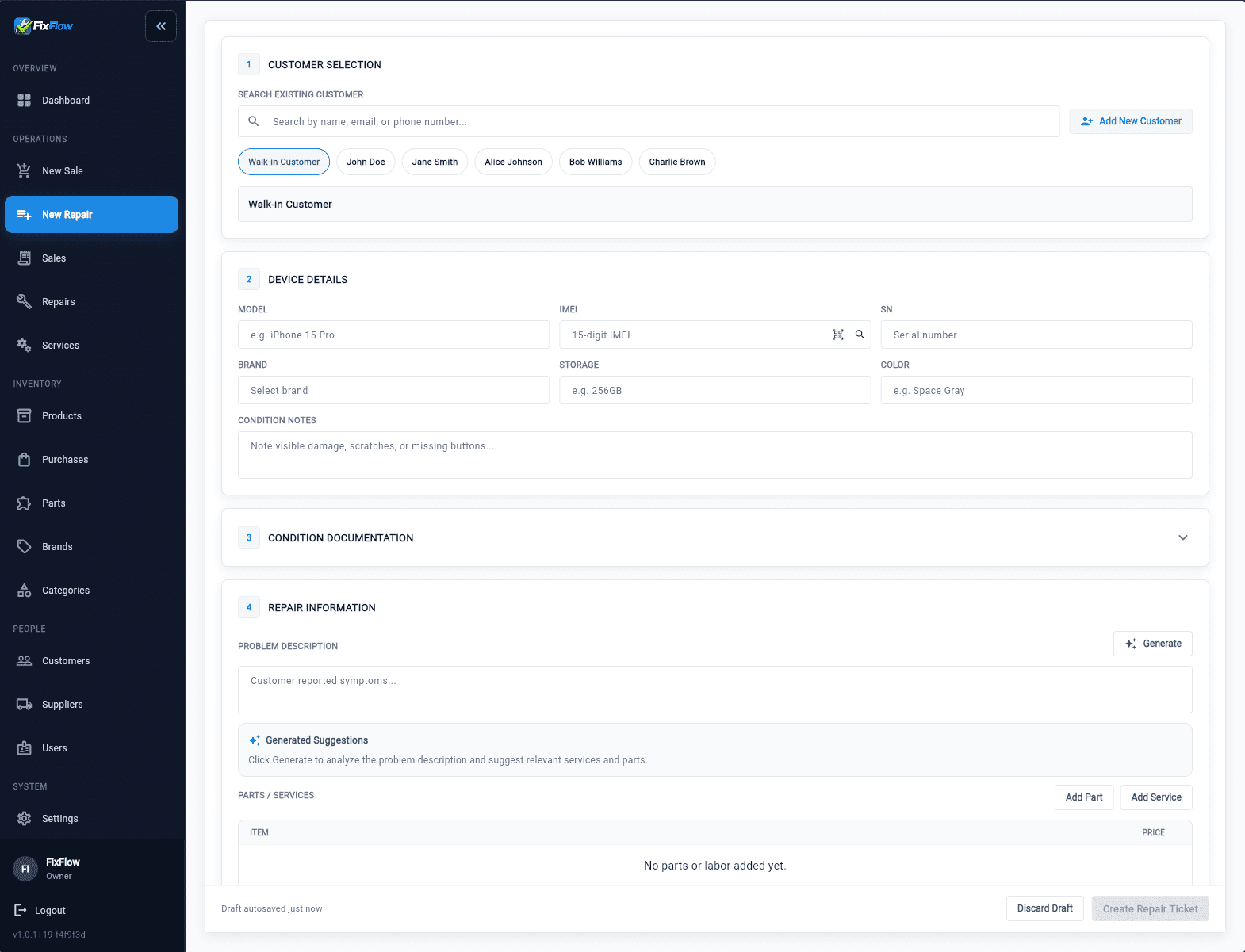
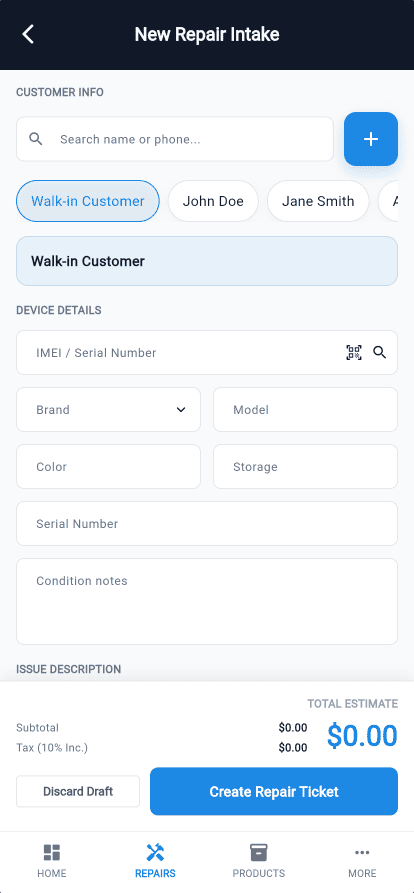
Repair intake is where messy jobs start.
Long check-ins slow down busy periods
Too many details, too many steps, and the line keeps growing.
Rushed intake creates weak tickets
Missing info, unclear issues, and repeat questions later.
Pickup gets messy when context is scattered
Different notes, forgotten updates, and frustrated customers.
One connected workflow from drop-off to pickup.
1. Drop-off
Customer walks in with a device issue.
2. Intake
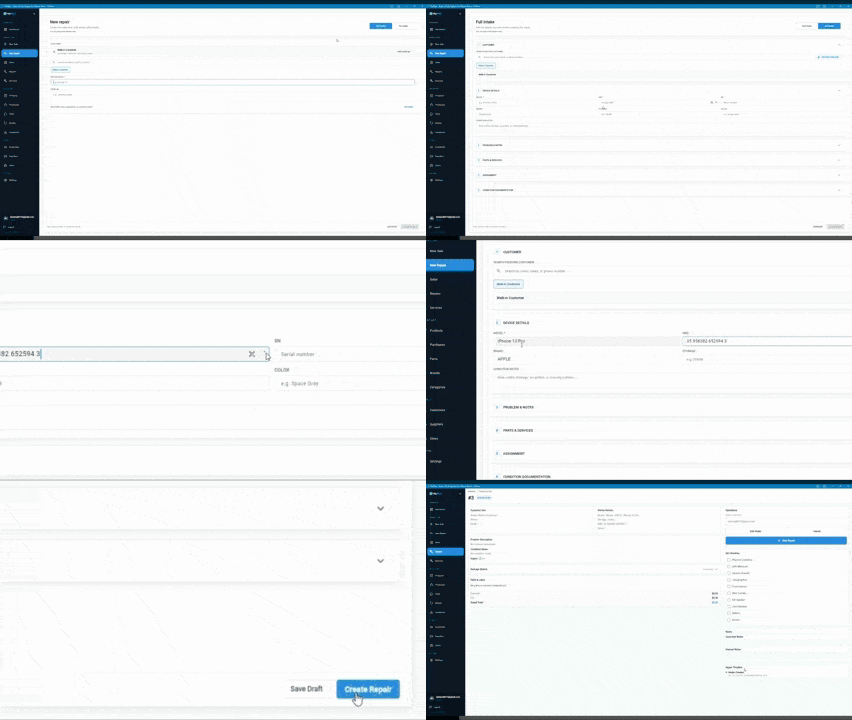
Quick or full intake captures what matters.
3. Repair Ticket
A connected ticket is created automatically.
4. Technician Handoff
Techs get the right info, parts, and context.
5. Pickup Checkout
Update, collect payment, and close with confidence.
Quick intake or full intake, both lead to the same connected repair workflow.
Everything you need in one repair workflow.
Fast Intake
- Quick intake for busy periods
- Full intake for detailed repairs
- Capture photos, notes, and customer details
Repair Tickets
- Connected tickets created automatically
- Track status from start to finish
- Keep all device details in one place
Technician Handoff
- Right info, right parts, right tech
- Real-time status updates
- Clear notes and labor tracking
Pickup Checkout
- Update customer at pickup
- Collect payment in-store
- Close the job with a complete history
Built around real repair shop workflow
FixFlowSoftware is currently in beta and shaped around the daily flow of phone repair shops: intake, ticketing, technician updates, parts context, and pickup.
- Free during beta
- Beta users lock in $29/month per shop after launch
- No credit card required to try the demo
Simple pricing that grows with your shop.
Beta Access
$0
During beta
- Full access to all features
- Desktop and mobile
- Live demo included
Best value
Beta Price (Locked In)
$29
/month per shop after beta
- Locked-in beta pricing
- All features included
- Cancel anytime
Regular Price
$49
/month per shop after beta
- Standard pricing after beta
- All features included
- Ongoing updates
If you start during beta, you keep the $29/month price after we launch.
Frequently asked questions
Is FixFlowSoftware only for intake?
No. Fast intake is the wedge, but FixFlowSoftware also supports repair tickets, technician handoff, parts and labor context, status updates, and pickup checkout.
Can I try it without a credit card?
Yes. You can open the live demo and start the free beta without entering a credit card.
What happens after beta ends?
Beta users lock in $29/month per shop after launch. Regular pricing after beta is $49/month per shop.
Is this for small phone repair shops?
Yes. FixFlowSoftware is built around the daily workflow of small and owner-led phone repair shops.
Does it work on desktop and mobile?
Yes. The workflow is designed for desktop and mobile use so staff can work at the counter or away from a fixed station.
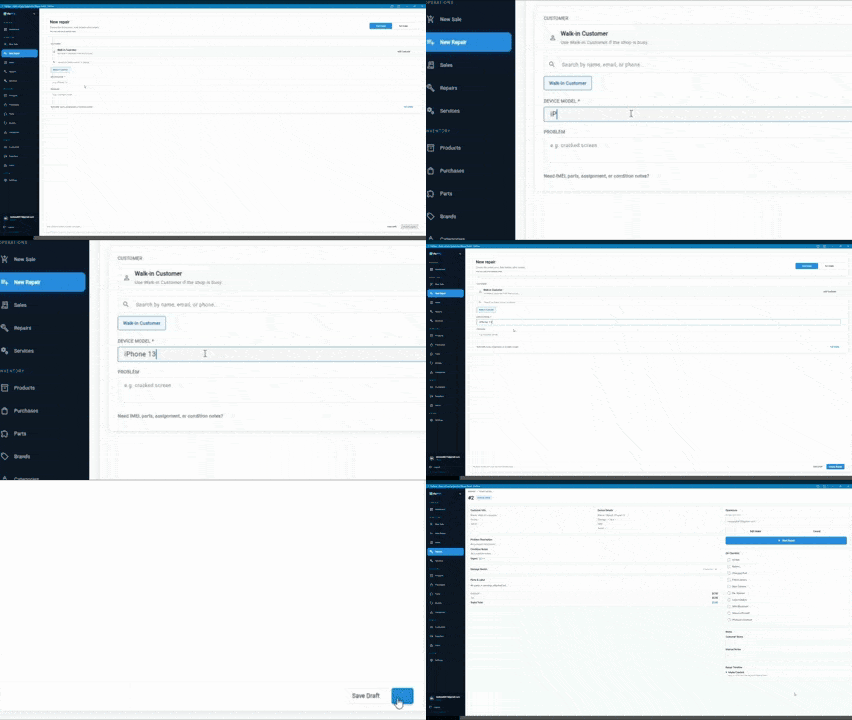
Try the intake-first repair workflow
Open the live demo or start the free beta to see how FixFlowSoftware keeps intake, tickets, technician handoff, and pickup connected.
No credit card required · Desktop and mobile · Free during beta