Repair intake software for phone repair shops that fixes slow check-in without weakening the ticket
FixFlowSoftware helps phone repair shops shorten counter time, standardize what staff capture, and start stronger repair records without adding a second intake system.
Open the intake flow before you commit to a new system
See how FixFlowSoftware handles quick intake, full intake, and repair-ticket continuity in one connected workflow.
What buyers should expect from repair intake software
Repair intake software is the part of a repair ticket software for phone shops workflow that controls what happens when the customer first arrives. Buyers should expect it to shorten counter time, standardize customer and device capture, and create a repair record that the bench can still trust later.
This page is for shops evaluating software specifically to fix check-in speed and intake quality. If your team is still deciding when to use a lighter check-in versus a deeper intake, the repair shop intake process page covers the workflow decision before you compare software.
Signs your current intake process is too loose
Most shops feel intake problems before they describe them clearly. The symptoms usually show up in the line first and at pickup later.
- Front desk spends too long typing through simple repairs
- Technicians ask the same questions again after check-in
- Condition notes and approvals are inconsistent between staff members
- Pickup requires reconstructing what was promised or added during the repair
See the two intake speeds inside one connected repair workflow
Fast intake works best when quick check-in and full intake still create the same repair record instead of separate workflows.
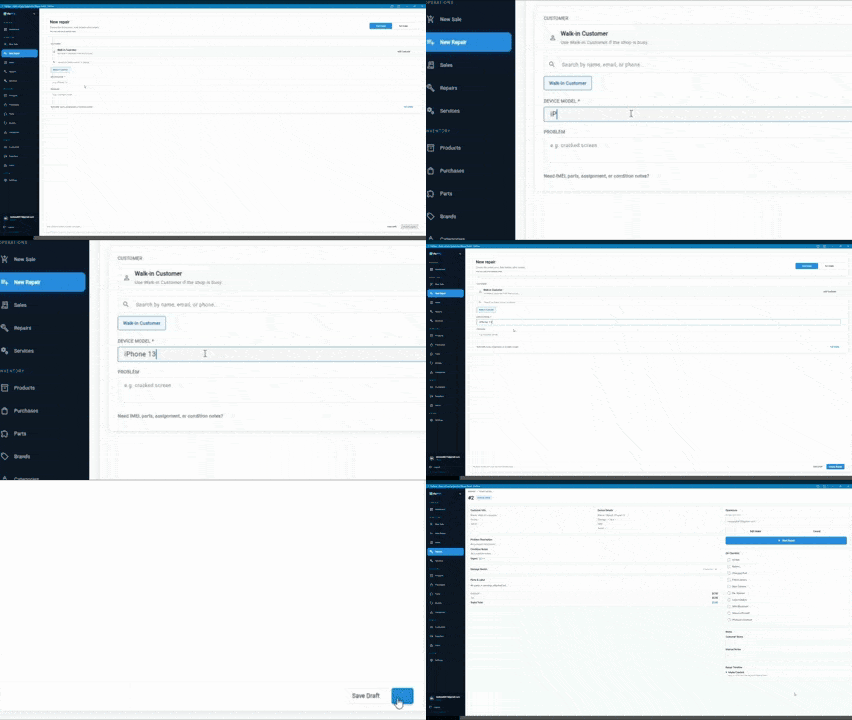
Quick intake for common repairs
Quick intake gives the counter a faster path for obvious jobs and repeat situations without losing the shared repair record the bench and pickup team still need.
- Protects the line during rush periods
- Starts the ticket without duplicate entry later
- Keeps the same workflow available for status, parts, and pickup
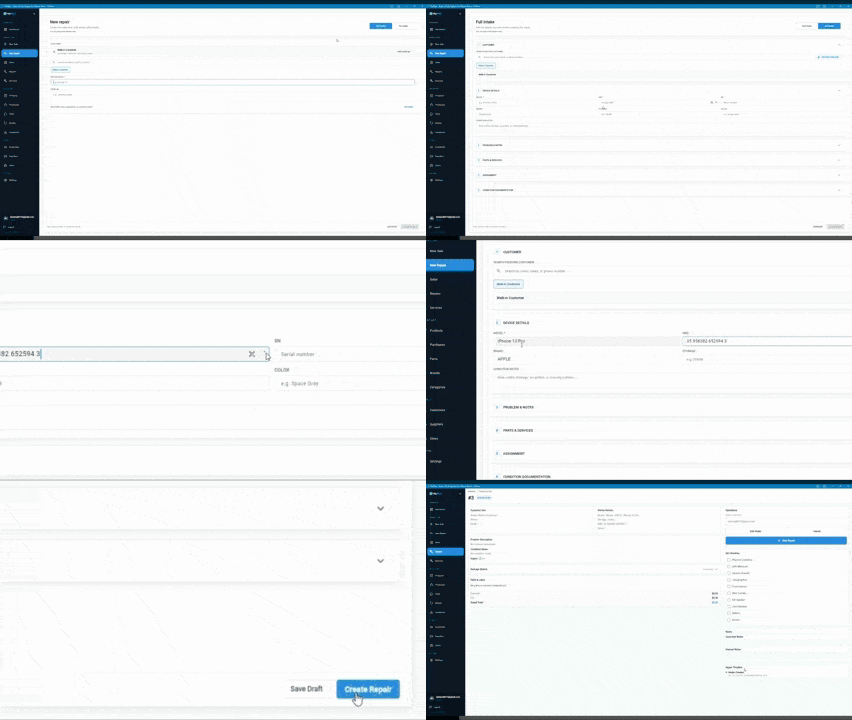
Full intake when detail matters more than speed
Full intake captures richer device and issue context when the repair is complex, the approval path is unclear, or the shop needs stronger notes before the technician starts work.
- Useful when condition notes matter for dispute protection
- Useful when technicians need stronger context before diagnosis
- Useful when approvals or estimate rules need to be visible early
How repair intake software should work in daily use
The goal is not only a faster counter. The goal is making the first record clean enough that the rest of the day does not have to repair weak intake.
Step 1
Choose the right intake depth for the repair in front of you
Simple jobs should move quickly, while riskier jobs should allow fuller notes before the phone leaves the counter.
Step 2
Create the live repair record immediately
The intake should not live in one form and the repair in another. The same record needs to survive bench work, status updates, and pickup.
Step 3
Keep the handoff readable for technicians
Customer detail, issue notes, and visible condition context should already be attached before diagnosis starts.
Step 4
Carry the intake into the final pickup conversation
When the customer returns, front desk should still be able to see what came in, what changed, and what was approved without rebuilding the story.
What strong intake software needs to capture
Fast check-in only helps if the record is still strong enough to support the queue afterward.
Device and customer identity
Use the how to create a repair ticket guide as the intake checklist for what should be captured before the device enters the queue.
Visible condition notes
The condition notes for phone repair intake guide shows how stronger pre-existing damage notes reduce disputes and bench confusion later.
Approval context
The customer approval workflow for phone repair guide explains how estimate and authorization rules should stay attached before work starts.
Workflow continuity
Intake software should still behave like one phone repair ticket system after the customer leaves the counter, not like a separate front-desk form.
Why faster check-in still fails in weak systems
Speed by itself is not the win. A shop can shorten check-in and still create more interruptions later if the record is too thin for diagnosis, approvals, or pickup. The how to speed up repair intake guide is useful here because it focuses on reducing counter time without stripping out the detail the queue still needs.
That is why good intake software is really the front edge of a phone repair ticket system, not a standalone form tool. The check-in has to make the next handoff easier, not just shorter.
Manual intake habits vs repair-intake-first software
Most shops are not comparing software against nothing. They are comparing it against the intake habits they already use under pressure.
| Feature | Manual or split intake habits | Repair-intake-first software |
|---|---|---|
| Simple repairs during rush periods | Counter either slows down or captures too little detail | Quick intake protects the line while still creating the repair record |
| Complex repairs | Important context gets added later or missed completely | Full intake captures richer detail before the technician starts |
| Condition notes and approvals | Staff quality varies and details drift between people | The same record keeps notes and approval context visible through the repair |
| Repair-to-pickup continuity | Front desk reconstructs the repair at closeout | The intake record already carries the context into pickup |
How to evaluate whether the intake software is actually strong enough
If your main issue is weak check-in, the next review should still be the broader repair ticket management software model. You need to know whether the same record can survive status changes, notes, parts, and pickup instead of only making intake look clean.
Then use the repair ticket workflow management feature to confirm the workflow stays visible after check-in. Once that fits the way your shop actually works, review FixFlowSoftware pricing for repair shops as the final commercial step.
Open the intake flow and judge it against your current counter process
See whether the intake flow actually shortens check-in and still creates a record your team can trust before you commit to a new system.
Related workflows
Repair ticket software for phone shops
Use the broader ticket pillar to confirm the intake record still supports queue control, technician updates, and pickup later.
Repair shop intake process
Use the workflow guide to decide when full intake versus quick intake makes the most sense before you compare software.
How to speed up repair intake
Use the operational guide when the next question is how to shorten counter time without cutting required fields.
Condition notes for phone repair intake
Use stronger condition notes when intake quality needs to protect the bench and the shop.
Frequently Asked Questions
What should repair intake software improve first?
It should improve check-in speed, field consistency, and the quality of the repair record that gets handed to technicians after the customer leaves the counter.
Who should evaluate intake software separately from the broader ticket system?
Shops should evaluate intake software separately when the most visible pain is slow check-in, inconsistent staff capture, or repeated questions after drop-off. The broader ticket pillar still matters, but this page is for the counter-side buying problem first.
Should intake software be separate from the repair ticket system?
Usually no. The strongest setup is when intake creates the same repair record the team uses through diagnosis, updates, and pickup instead of handing the job off into a second system.